
Your Invitation to ParentSquare Email Has Been Sent
Good morning, LKSD Parents,
I have just sent you an invitation to activate your account for ParentSquare. You do not need an account to receive communications from ParentSquare; however, if you activate your account, you will be able to change how those messages are delivered and have access to communications regarding your school and student activities.
To make those changes, activate your account, and then access your profile by clicking your name in the upper right corner of the screen, and choose Manage Account: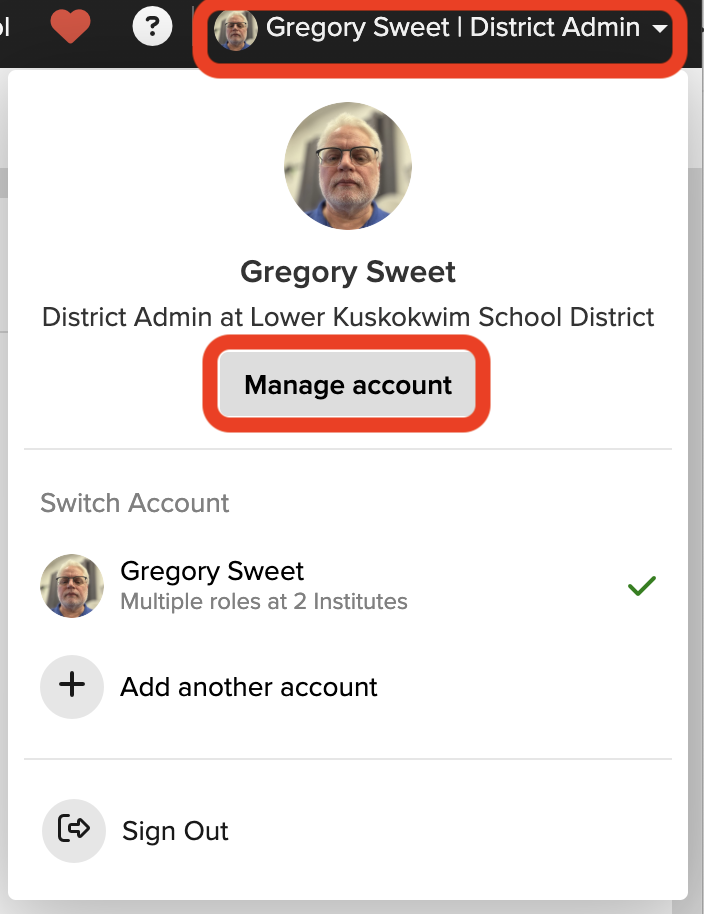
On the left side menu, choose Notification Settings:
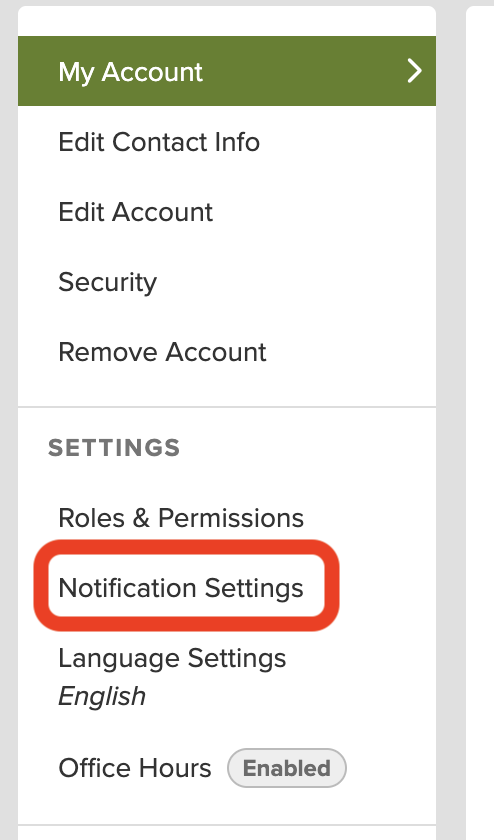
This screen will allow you to set your notification preferences for your Smart Alerts, Posts, and Notices.
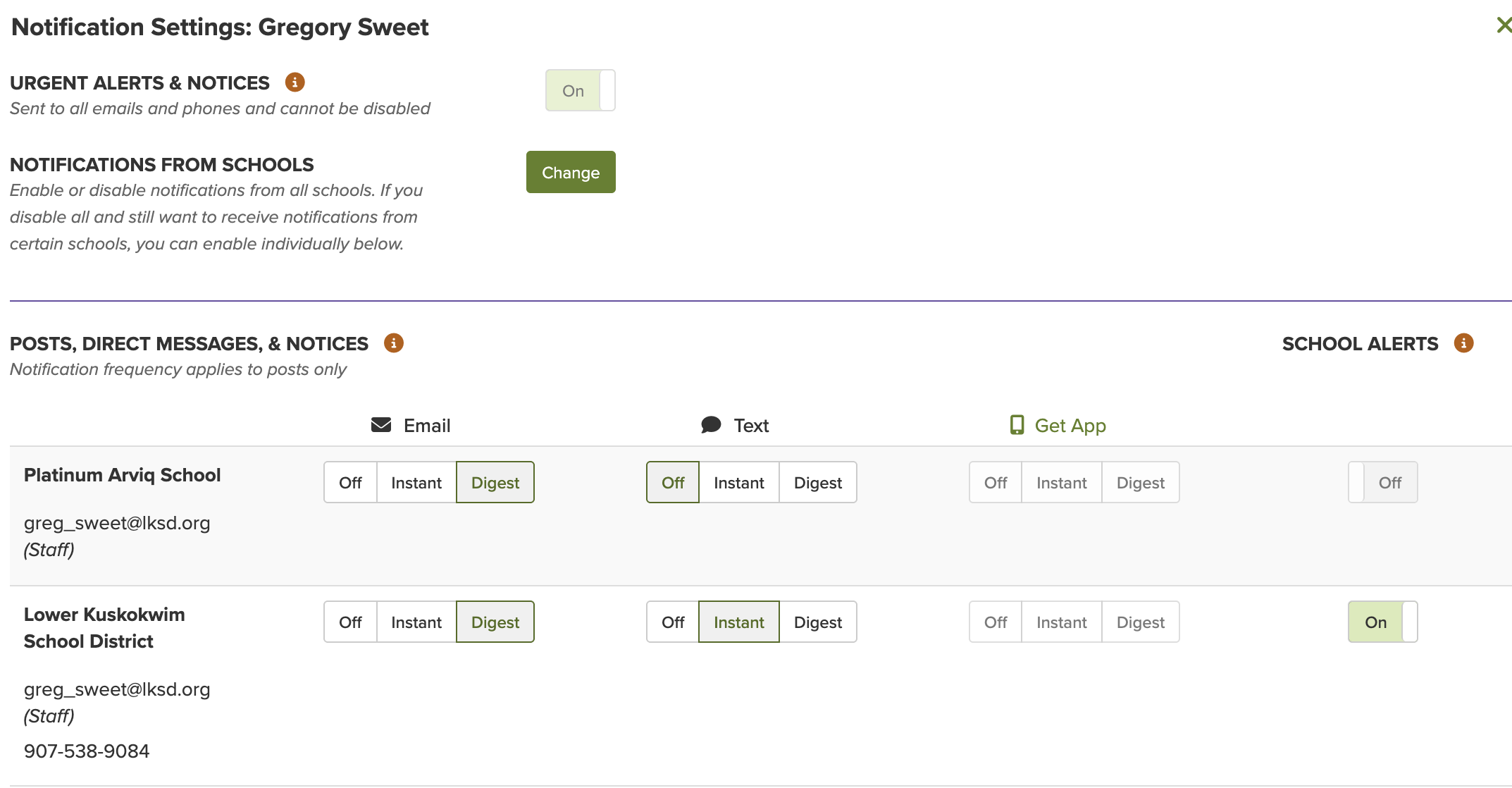
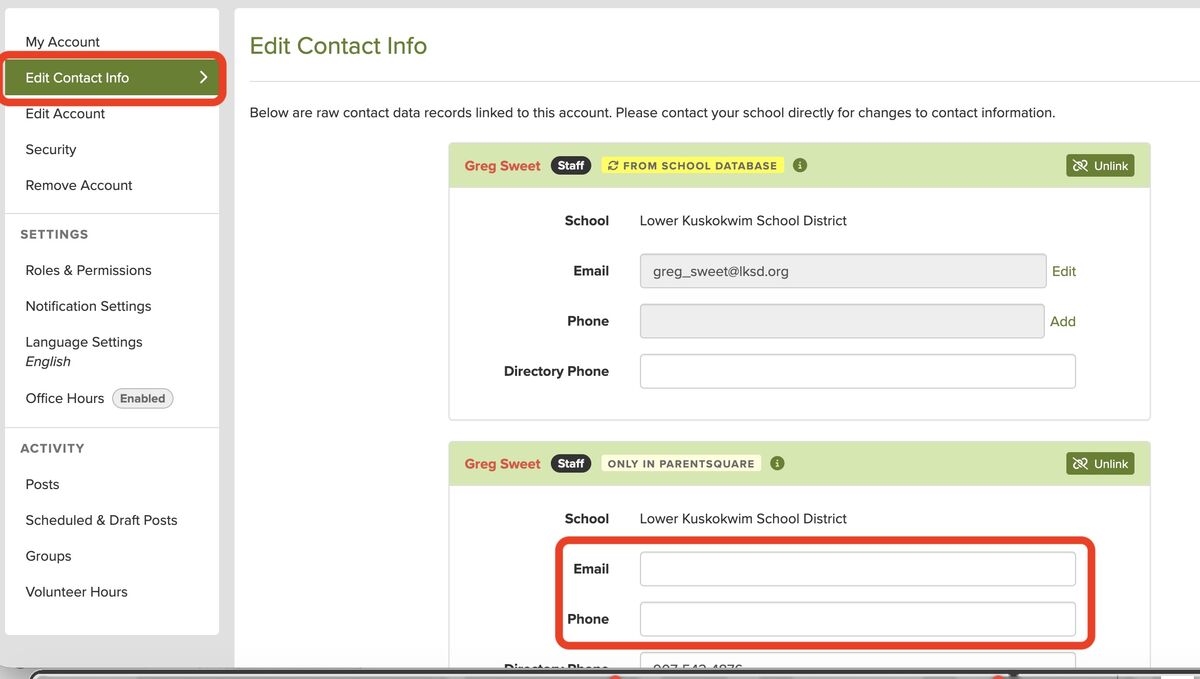
If one of the options is greyed out and you cannot change it, it is because we don’t have an email address or phone number for you. If you would like to ensure you are receiving notifications via that method, please select Edit Contact Info from the left side menu and add the missing information.
If you have trouble making the changes, please let your school know, and they can make the changes for you in PowerSchool.
For the Urgent Alerts, which include Attendance Notices and emergency notifications, these are currently sent to email, app, text, and voice. If you prefer not to receive any ParentSquare communications via text, you can disable texts completely by following the steps below. If you disable texts, you should still receive Urgent Alerts by email and voice.
If you would like to download the ParentSquare App to access your account, scan this QR Code, and either enter Lower Kuskokwim School District when prompted, or click on the App Store or Google Play icons to download from the app store.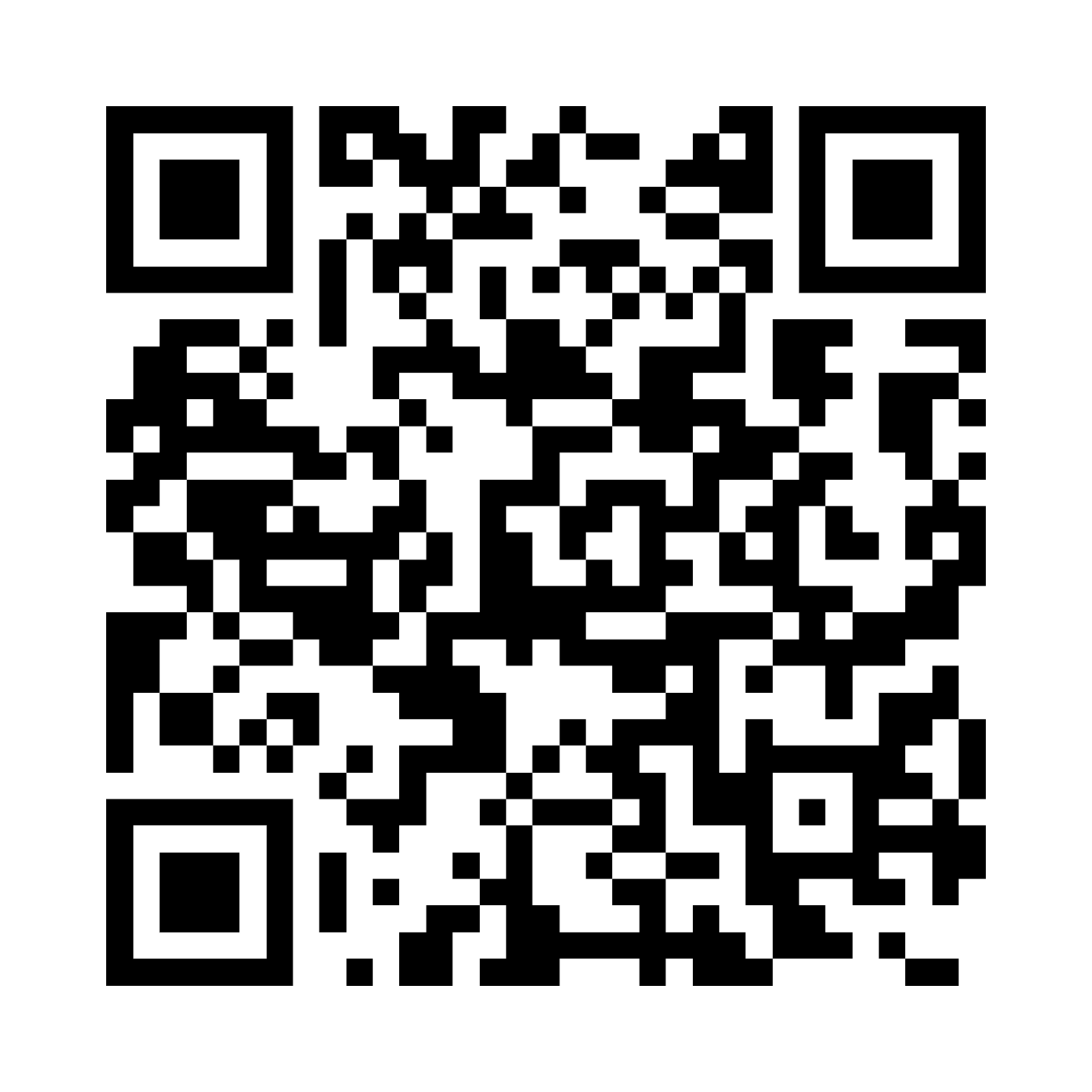 If you have any questions or issues, please contact your school. If they are unable to assist you, contact LKSD technical support taitech@lksd.org, and we can assist you.
To disable all text messages from ParentSquare (including Posts, Urgent Alerts, and Notices), reply STOP to any text you receive, or to the number 66458.
To re-enable all text messages, reply START to the number 66458.